The SteamBotic blogFor marketplace owners
How Steam bots simplify buying and selling CS2 skins
Create offers in the dashboard or automate them through the API. Receive skins, deliver purchases and manage stock across your Steam bots.
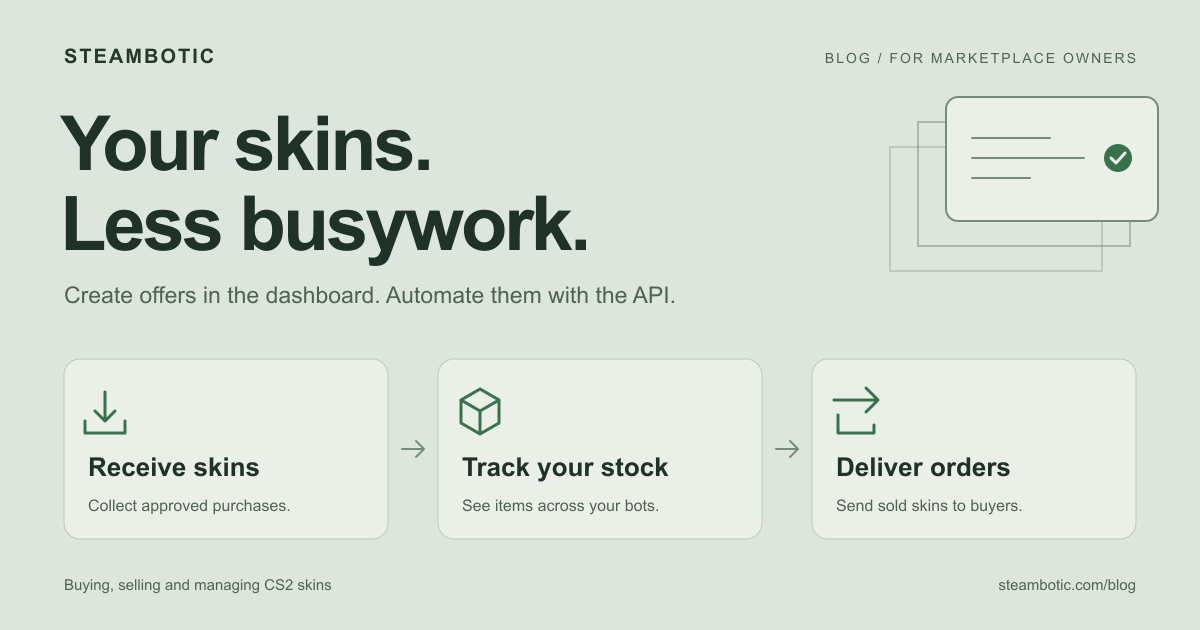
Running a CS2 skin marketplace or buying service means handling the same jobs again and again: receiving skins from sellers, finding items across Steam accounts, sending purchases to buyers, and checking whether each trade went through.
SteamBotic gives you two ways to handle those trades: create offers yourself in the dashboard, or automate them through the API. Your team can choose skins and send offers from a visual interface. If you want your website to do that automatically after an order is approved, connect it to the trade API.
You do not need to understand servers to decide whether that would help your business. Start with the work your team repeats every day.
What does a Steam trading bot do?
A Steam trading bot is a Steam account operated by software. It can hold skins and send trade offers to receive items, deliver them to a customer, or exchange one set of items for another.
Think of it as the item-handling part of your business. You tell it which trade to make through the dashboard, or your connected website sends the instruction through the API. The bot creates the offer and reports its progress. Your business sets the prices, decides which orders to approve, and handles customer payments.
That makes bots useful for a skin marketplace, a website that buys skins from players, or a trading business managing stock across several accounts.
Create Steam trade offers in the dashboard or through the API
Use the dashboard for hands-on trading
You can create offers directly in SteamBotic’s interface without writing API requests. Once your bot and trade-update settings are configured, the everyday workflow is straightforward:
- Choose the bot you want to trade from and open the offer form.
- Paste the customer’s Steam trade URL and load their inventory.
- Select the skins to send, receive or exchange using the visual item picker.
- Review and create the offer, then follow its progress in the panel.
This works for a purchase from a seller, a delivery to a buyer or a skin-for-skin exchange. You can handle those trades without building your own website integration. The other person still reviews and accepts the offer on Steam.
Use the API when your website should create offers automatically
The API connects your buying or selling process to your bots. For example, an approved purchase can ask a bot to collect a seller’s skins, and an approved sale can ask it to deliver the buyer’s item. A developer connects those business rules once, so your team does not have to prepare each routine offer.
You can use both approaches together: automatic offers for everyday orders, with the dashboard available for individual trades and checking progress. Explore the bot dashboard and trading features, or share the trade API documentation with your developer.
Both methods require a callback URL, the address where trade updates are sent. We can guide you through that initial setup.
Buying skins from customers
Imagine a player wants to sell three skins to your buying website. Your site gives them a quote, they agree to it, and your team needs to collect the right items into a business account.
For an individual purchase, you can select those skins from the seller’s inventory in the dashboard and create an offer to receive them. For repeat orders, connect your buying flow through the API:
- The seller chooses the skins and agrees to your offer.
- Your website asks a bot to request those specific items.
- The seller reviews and accepts the offer on Steam.
- Your site follows the trade’s progress and handles payment according to your buying policy.
This removes the repeated work of finding the seller’s items and composing each offer manually. Your team can focus on quotes that need a closer look, customer questions and exceptions.
The payment step still belongs to your business. A bot receiving a skin is not a bank payout, and an accepted trade may still be protected by Steam. Your buying policy needs to account for that before promising a payment time.
Selling skins with a clear delivery process
Now take the other side: a customer buys a skin from your marketplace. You need to know which account holds it, whether it can be sent, and whether the customer has accepted the delivery.
In the dashboard, choose the bot and the skin, enter the buyer’s trade URL, and create the delivery offer. With an API integration, your website can request that offer automatically for an approved order. The customer reviews and accepts it on Steam, and you can follow the trade’s progress in the panel or through updates to your website.
For the owner, the benefit is consistency. Each order follows the same process, and your team has a trade to look up when a buyer asks where their skin is. If an item is already committed to another order, your selling flow should keep it out of the available stock.
If you sell through an external marketplace, check which actions its connection supports. Importing sales history, listing items and sending deliveries are different features. SteamBotic’s current BuyCS2 sales connection imports activity for reporting; selling and listing remain with the marketplace’s own setup.
Managing several Steam bots from one place
With a single account, you may remember where every skin is. As stock spreads across more accounts, simple questions start taking longer: Which bot holds this item? Is it available? Is a trade waiting for the customer, or does it need our attention?
A bot management dashboard gives your team a common place to answer those questions and act on them. Review inventory, select items for a new offer, and follow existing trades without switching between separate Steam accounts.
For example, you might see ten copies of a skin across your accounts, but only some are ready to send. Others could be reserved for existing offers or still under trade protection. A useful stock view shows the difference between what you own and what you can deliver now.
SteamBotic’s Steam bot management tools include inventory views, trade tracking, inventory valuations and daily transfer statistics. Those views help you follow stock and item movement as your business grows.
Use price information to support your buying and selling rules
Keeping track of items is one job. Deciding what to pay for them is another. A buying service needs a buying price; a shop needs a selling price that fits its costs and the market.
SteamBotic provides separate Buy and Sell estimates from market data, alongside inventory valuations and price warning signals. This can give you a starting point for reviewing stock and setting your own rules.
Keep room for judgment. Fees affect what you actually receive, and a particular skin’s wear, pattern or stickers can make it different from the base estimate. A price warning is a reason to look more closely. You choose the margin, accepted items and approval rules for your business.
Plan around Steam’s item protection
A skin arriving in your account does not always mean you can sell and deliver it again immediately. Valve’s Trade Protected Items FAQ says CS2 items received in a trade are protected for seven days. During that period they cannot be transferred, and protected trades can be reversed.
For a buying and selling business, that affects available stock and the promises you make to customers. Keep protected items separate from stock ready for delivery, and make the customer-facing order status clear.
Bots help handle and track the trades within those rules. Include protection periods when you plan how much stock you need and how quickly you expect to sell it again.
Do you need to be technical to get started?
You can start by creating offers and managing stock in the dashboard after the initial setup. Day-to-day trading does not require you to write code or build an API integration.
Bring in a developer when you want your website to create offers automatically. Describe the rule in ordinary terms: “When we approve a purchase, collect these skins,” or “When an order is ready, send this item to the buyer.” The developer connects that rule to the API, while your team keeps access to the dashboard.
For the infrastructure, choose what you already have. With SteamBotic Hosting, you bring your Steam accounts and proxies. Managed includes accounts and private proxies. We handle the hosting and setup for both; the setup overview explains the steps.
Start with the process that consumes the most time. For a few trades a day, the dashboard may cover what you need. If your team spends the day preparing the same purchases or deliveries, that is a useful place to add API automation. If the main problem is finding stock, organize your accounts and inventory view first.
To plan your setup, write down how many Steam accounts you use, where you buy and sell, and whether you want to work through the dashboard, the API or both. Then compare the bot hosting plans against that workflow.