The SteamBotic blogOperations
Why bot uptime is not enough for a CS2 marketplace
The process is running. The status light is green. But can a customer actually complete a trade? A closer look at what a healthy bot fleet should tell you.
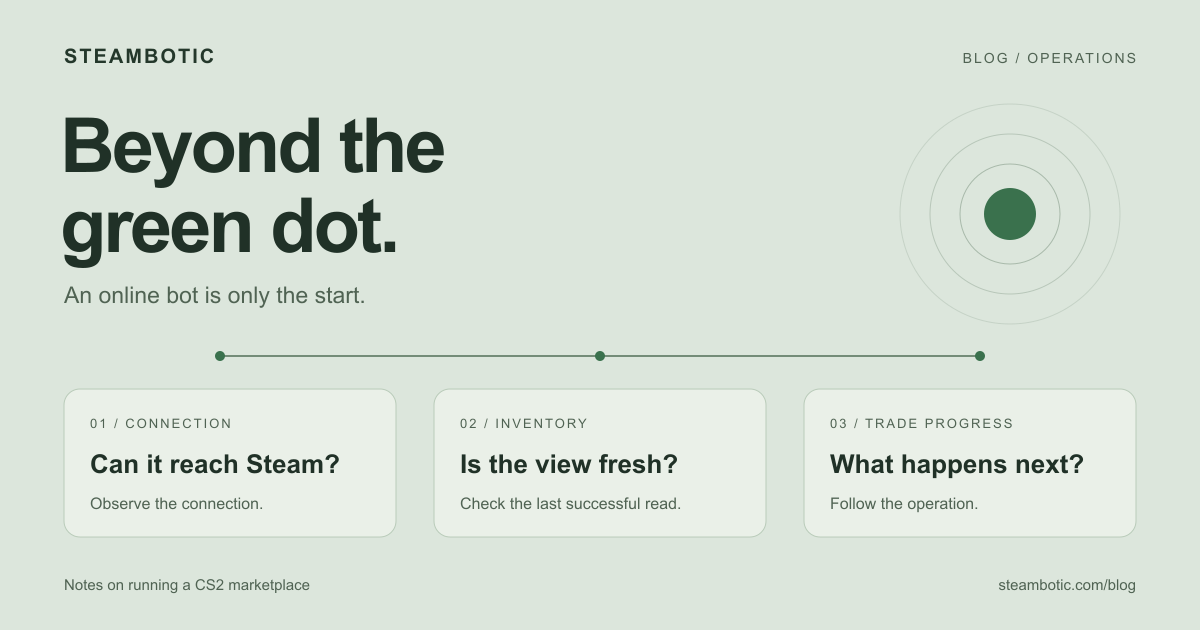
A green status light is reassuring. It tells you that something is running, connected, or responding to a health check. When you are operating a CS2 marketplace, though, the customer is waiting for a skin to arrive. Those two observations can describe very different situations.
A bot might be connected while its inventory snapshot is old. An offer might have been created while your application is still waiting for the callback. A customer might have accepted a trade while its items remain protected. None of those states can be explained by a single online badge.
That is why we think about bot operations in terms of progress: what the system last observed, what it is waiting for, and what should happen next.
What “online” actually tells you
Start by defining the badge. Does online mean the process is alive, that its HTTP endpoint responds, or that it has an active Steam connection? Each answer is useful, but each covers only part of the path between your customer and a completed trade.
Consider a hypothetical withdrawal. The bot is connected, but its last inventory read failed. Your site still displays a skin from an older snapshot. A customer requests that item and the transfer cannot proceed. The bot’s uptime can be unchanged throughout the incident.
The missing signal is freshness: when was the inventory last read successfully, and is the selected item still available? The useful alert concerns the stale observation or blocked request. Restarting a healthy process may not address either one.
Follow the trade, not just the server
A marketplace operation crosses several boundaries: your backend, a queue, the bot runtime, Steam and the event receiver back in your application. At each boundary, the evidence changes. A stored request is evidence that work was accepted. A Steam offer ID is evidence that an offer exists. Neither means the customer has received a final outcome.
Even offer observation is a continuing job. For example, Steam TradeOfferManager’s polling documentation describes checking for new and updated offers and saving polling data across restarts. A process can be running while that observation loop needs attention.
A useful operations view puts the latest observation beside the operation it belongs to. For one withdrawal, you should be able to find the original request, its offer, the last state update and any unresolved error. That gives an operator a starting point more specific than “the bot looks fine.”
Three questions worth putting on your dashboard
Can this bot do useful work?
Connection status matters, but so do the last successful inventory read, account restrictions and available stock. Keep held items separate from sendable items. A large inventory total can look healthy while the item a customer needs is reserved or unavailable.
Are requests making progress?
Look at the age of queued work and at operations that have stopped changing state. Treat different waits differently: an offer waiting for the partner is not the same as a request that has never reached a worker. A quiet marketplace is also different from a busy one whose processing has stalled.
Does the marketplace know the outcome?
The bot and your application can disagree temporarily if a callback is delayed or the receiver is failing. Track delivery and processing in your own event inbox. A trade outcome that has been observed but never applied to the customer’s order is still an operational problem.
Set alert thresholds from expected behavior for each state. A fixed “everything older than a minute is broken” rule will confuse ordinary customer delays with infrastructure failures.
Make uncertainty visible
One of the most useful states in a trading system is “we do not know yet.” If a submission times out, the offer may already exist. Showing a definite failure can encourage a customer or operator to repeat an action before the original outcome has been checked.
Keep the original operation identity while investigating. Show that the request is being checked, retain the relevant item reservation, and make the next recovery step clear to the operator. A fresh request with a new identity should be an intentional decision, not the default response to a missing HTTP reply.
Acceptance deserves the same care. Valve’s Trade Protected Items FAQ explains the protection period for CS2 trades and the possibility of reversal. An accepted offer and an exchange that has passed its protection and verification steps need different treatment in your application.
This is also a customer communication problem. “Waiting for your acceptance,” “checking the trade outcome,” and “items are trade protected” tell someone what is happening. A generic spinning loader, followed by a generic error, does not.
Turn those signals into an operating routine
Before increasing the size of a fleet, walk through a few difficult cases with a small one. Lose an HTTP response in a controlled integration test. Deliver the same callback twice. Let a receiver recover after a temporary outage. Confirm that the application can explain the resulting state without inventing a new trade or applying the same update twice.
Then decide who owns each kind of incident. A stale inventory needs a different investigation from a rejected webhook signature. An offer waiting for the customer needs a different message from an unavailable Steam connection. The dashboard should help route that work, not just collect red indicators.
SteamBotic’s bot management dashboard and trade API let you create offers in two ways: select items and submit a trade in the visual interface, or have your website request it through the API. Both support offer tracking and status callbacks. If your marketplace is connected, it still needs to authorize customer actions and apply those events to its own records.
For the implementation details, our Steam trading bot infrastructure guide connects the components, and the webhook documentation covers the event contract. Start with a simpler question for your next dashboard review: if a customer’s trade stops progressing, can you explain where it is waiting?